
Digital Productivity, Online planners, Planners
Shift Work Schedule Maker: Best Tools for Rotating Shifts
Mar
Okay so I just spent the last three weeks testing basically every shift scheduling tool out there because one of my clients manages a warehouse with rotating shifts and she was losing her mind with Excel spreadsheets, and honestly I fell down this rabbit hole hard.
When Not to Use Fancy Software
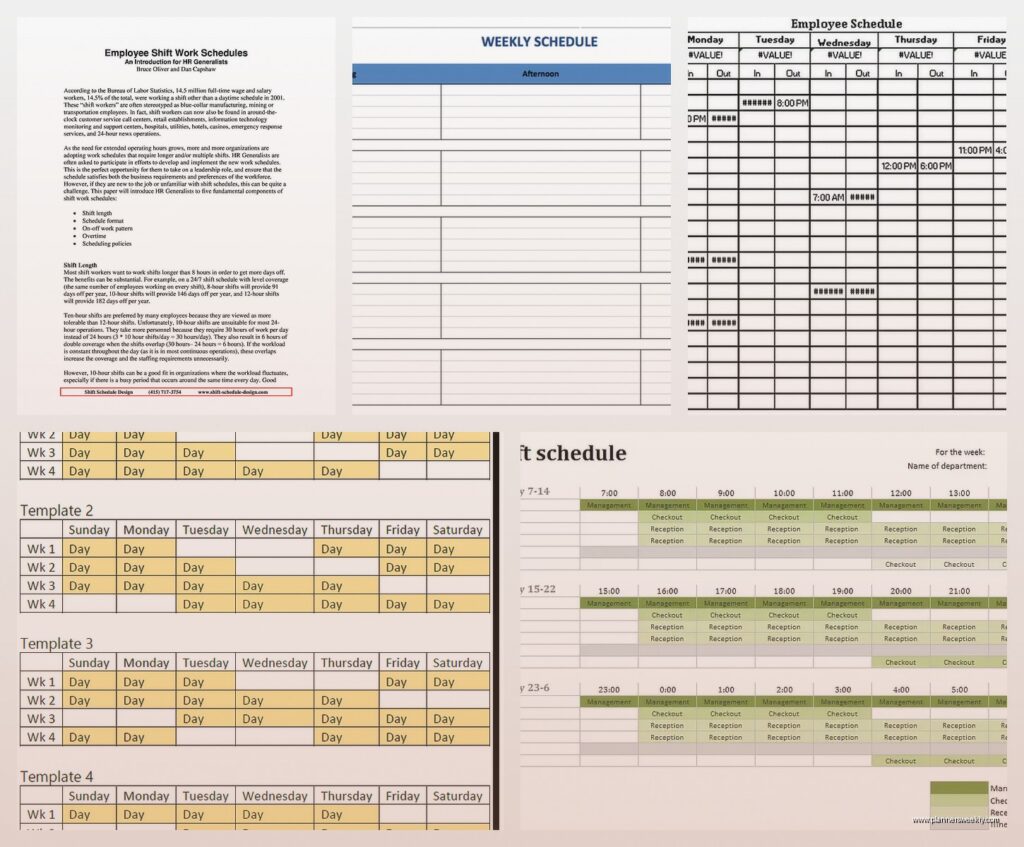
First thing though, if you’re just scheduling like 5 people and the shifts don’t change much, you might not need anything beyond a good template. I know that’s not what you wanna hear but I tested this free rotating shift template from Vertex42 and it’s honestly pretty solid for small teams. You just plug in your rotation pattern and it auto-fills. Saved it as a backup for when my client’s budget got slashed mid-project, which of course happened.
The Actually Good Paid Options
Humanity (now TCP Software)
Okay so Humanity is what I ended up recommending first because the interface doesn’t make you want to throw your laptop. It’s like $2-4 per employee per month depending on how many people you’ve got. The drag and drop actually works, which sounds basic but you’d be surprised how many tools mess this up.
What I really liked testing this one was the shift swapping feature. Employees can request swaps through the app and you approve or deny them. My client did a trial run and said it cut down her texts by like 70% because people stopped messaging her at 6am asking to switch shifts. The mobile app is decent too, not amazing but functional.
The rotation templates are where it gets useful. You can set up like a 2-2-3 pattern or whatever weird rotation your industry uses and it just keeps cycling. Oh and another thing, it tracks overtime automatically which is huge if you’re trying to stay compliant with labor laws.
Downside is the reporting section is kinda overwhelming. Like there’s 47 different reports and I’m still not sure what half of them tell you. Also their customer service is only available during business hours which is ironic for shift work software but whatever.
Deputy
Deputy is the one everyone kept recommending in the Facebook groups I lurked in for research. Pricing starts around $2.50 per user per month. I tested it for two weeks and it’s genuinely good for complex rotating schedules.
The auto-scheduling feature is wild. You set your staffing requirements like “I need 3 people on night shift, 2 with forklift certification” and it fills the schedule based on availability and qualifications. Doesn’t always get it perfect but it’s a solid starting point. Way better than staring at a blank schedule at 11pm on a Sunday which is apparently what my client was doing before.
They’ve got this thing called “areas” where you can separate departments or locations. Super helpful if you’re running multiple teams with different rotation patterns. The time clock integration actually works too, people can clock in from their phones and it GPS verifies they’re actually at the location.
What bugged me during testing was the learning curve. It took me probably 3 hours of clicking around to figure out where everything was. And the notification settings are annoying out of the box, everyone gets bombarded with alerts until you customize it.
When I Work
This one’s cheaper, starts at free for small teams and goes up to like $2 per user. I tested the free version first and honestly if you’ve got under 75 employees it might be all you need.
The shift rotation setup is more manual than Deputy but also more flexible? Like you have more control over the exact pattern. I built a 4-on-4-off rotation in about 20 minutes. The interface feels a bit dated compared to the others but it’s straightforward.
My favorite feature was the availability management. Employees can block out times they can’t work and the system won’t schedule them then. Obvious feature but so many tools don’t have it or make it complicated. Oh and they can set recurring availability, so if someone’s always got class on Tuesday mornings you set that once.
The messaging system is built in which is actually useful for shift-based teams. You can message everyone on tonight’s shift or whatever. My cat jumped on my keyboard while I was testing this and accidentally sent a test message to the demo team, so that was embarrassing.
The Spreadsheet Route If You’re Stubborn
Look, I get it, sometimes you just want a spreadsheet. I made a rotating shift template in Google Sheets that’s worked for a few clients who refused to pay for software.
The basic structure you want is:
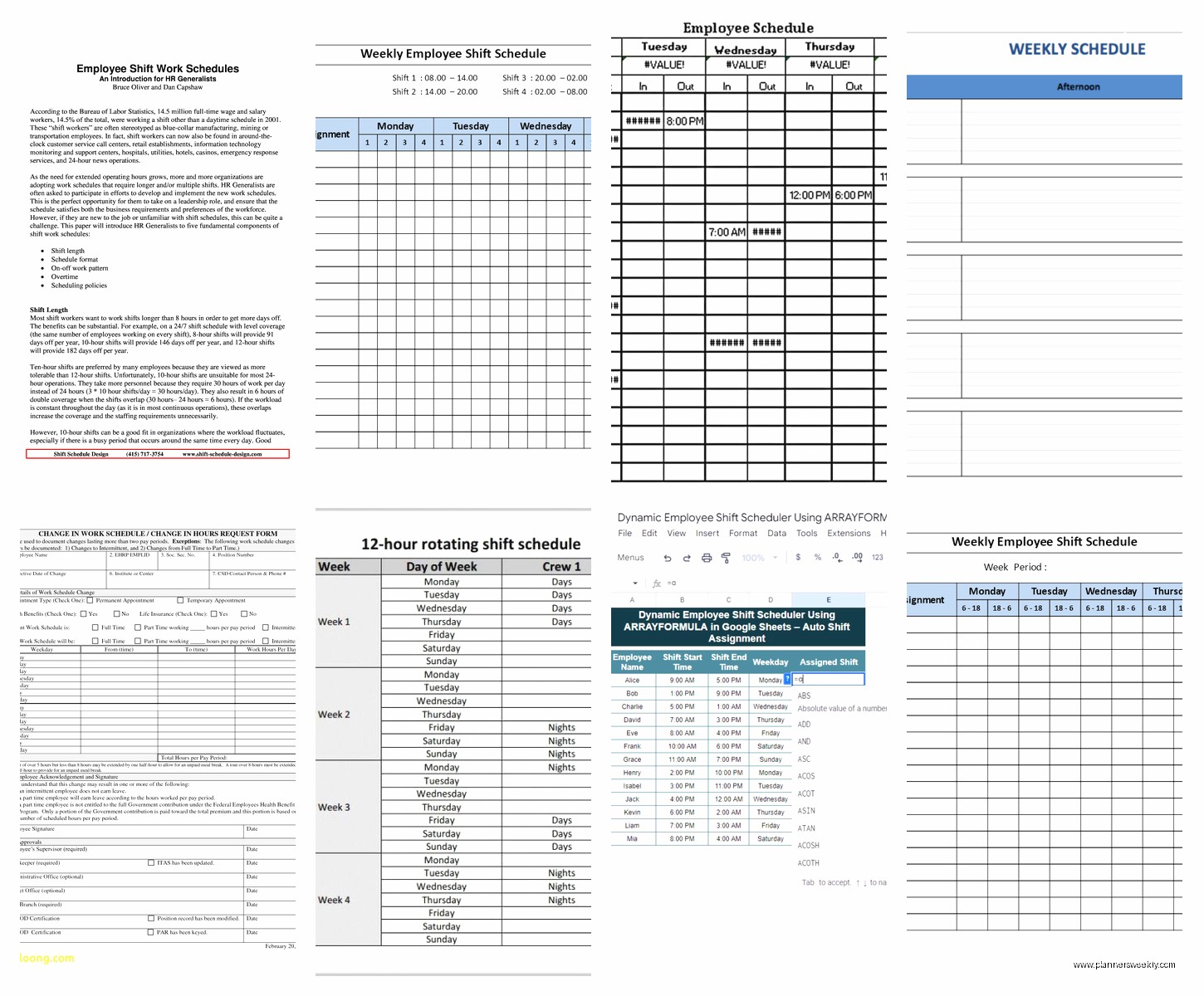
- Employee names in the first column
- Dates across the top row
- Shift codes like E (evening), N (night), D (day), O (off)
- Conditional formatting to color-code shifts so you can actually see patterns
- A separate tab with your rotation pattern defined
Then you use formulas to auto-populate based on the pattern. Something like:
=INDEX(RotationPattern, MOD(column number, rotation length) + 1)
Except way more complicated because you gotta account for start dates and stuff. I spent an entire Saturday building this while watching that baking show, the British one, and honestly the spreadsheet was less stressful than watching people’s cakes collapse.
The problem with spreadsheets is they don’t notify anyone of changes. You still gotta manually send the schedule out. And if someone calls in sick you’re back to manual juggling. But it’s free and you control everything.
Snap Schedule
Oh wait I forgot to mention Snap Schedule. This is more old-school software, like you actually install it on your computer instead of using it in a browser. Starts around $300 one-time purchase for small teams.
I tested the demo version and it’s powerful for complex rotations. It can handle like 20 different shift types and weird patterns like 5-2-5-3 rotations. The algorithm for auto-scheduling is more sophisticated than the web-based tools. It considers seniority, skills, preferences, overtime limits, all that stuff.
But honestly unless you’re running a hospital or fire department with super complex needs, it’s probably overkill. The interface looks like it hasn’t been updated since 2010. My client took one look at the screenshots and said “absolutely not” so I didn’t push it.
What About Free Options
Homebase
Homebase is free up to 20 employees and includes shift scheduling. I tested it mostly for retail and restaurant clients but it works for rotating shifts too.
The schedule builder is pretty intuitive. You can copy previous weeks which saves time if your rotation repeats. The time clock feature is included in the free version which is nice. And employees can pick up open shifts through the app.
Limitations are obvious though. The free version doesn’t have auto-scheduling or advanced rotation templates. You’re building the schedule manually each time. Also the reporting is basic. Fine for simple needs but if you’re trying to optimize labor costs or track patterns you’ll hit walls.
ZoomShift
ZoomShift has a free tier for up to 5 users. I tested it for a small security company with 4 guards on rotating shifts and it worked fine.
The rotation feature lets you set patterns and repeat them. Not as automated as the paid tools but functional. The mobile app is actually better than some of the paid options I tested. Clean, fast, easy for employees to check their schedule.
Once you go over 5 users you’re paying though, starts at like $2 per user. At that point you might as well compare it to the other paid options.
Industry-Specific Stuff
This is gonna sound weird but the industry matters more than I thought. Like:
Healthcare: You probably need something that handles on-call rotations and can manage certifications. Deputy and Humanity both do this well. Some hospitals use specialized software like ShiftWizard but that’s enterprise-level pricing.
Manufacturing/Warehouses: You want something that integrates with time clocks and can handle break compliance. When I Work and Deputy both have good time tracking.
Retail: Homebase or Deputy work well because they handle variable shifts and last-minute changes easily.
Security/Emergency Services: You need robust rotation patterns and shift swapping. Humanity’s probably your best bet or the old-school Snap Schedule if you’ve got budget.
The Features That Actually Matter
After testing all these, here’s what actually made a difference in real use:
Mobile access that doesn’t suck. If the app is clunky people won’t use it and you’re back to texts and calls. Deputy and Humanity both have solid apps.
Shift swapping with approval workflow. This feature alone will save you hours every week. Every tool I recommended has it except the spreadsheet option obviously.
Overtime tracking and alerts. You need to know before someone hits 40 hours, not after. Most paid tools do this, free ones are hit or miss.
The ability to copy or template rotations. If you’re manually building the schedule every week you’re gonna burn out. Even the basic tools should let you repeat patterns.
Availability management. Let people tell you when they can’t work instead of playing phone tag. Seriously, this is baseline functionality.
What I’d Actually Buy
If you’re asking me right now what to get, like you need to make a decision tonight:
Under 20 employees, tight budget: Start with Homebase free version or build a Google Sheets template. Test it for a month.
20-100 employees, normal budget: Deputy or Humanity. Deputy if you want more automation, Humanity if you want easier learning curve.
100+ employees or complex rotations: Deputy Premium or look into Snap Schedule if you don’t mind old-school software.
Just you trying to manage your own rotating shift schedule: Honestly just use a paper planner or Google Calendar with color coding. Don’t overthink it.
Random Tips From Testing
Start with a trial or free tier, obviously. But actually use it for like 2 weeks minimum. The first few days everything seems either amazing or terrible and neither is accurate.
Get at least 3 employees to test the mobile app. I thought Humanity’s app was fine until my client’s warehouse workers told me the buttons were too small for their gloves. Little stuff like that matters.
Check if it integrates with your payroll system before you commit. I had one client get two months into using Deputy before realizing it didn’t sync with their ancient payroll software and that was a whole mess.
The customer service quality varies wildly. Deputy’s chat support is fast, Humanity makes you email and wait. When I Work has phone support which is rare these days.
Oh and export your data regularly even if you’re using cloud software. I’m paranoid about this but I’ve seen tools shut down or change pricing and people lose years of schedule history.
Most tools let you set up different permission levels. Use this. Your shift supervisors don’t need access to payroll costs or whatever. And definitely don’t give everyone admin access, learned that one the hard way when a demo employee deleted an entire month of test schedules.
The template libraries are hit or miss. Deputy has good pre-built rotation patterns, When I Work expects you to build from scratch mostly. If you’ve got a weird industry-specific rotation you might be building it yourself regardless.
