
Digital Productivity, Online planners, Planners
Weekly Calendar Maker: Best Free Online Tools
Apr
Okay so I just spent like three days testing every free weekly calendar maker I could find because honestly my old system was a mess and I needed something better for my clients to use. Here’s what actually works.
Google Calendar but make it weekly view
I know everyone already has Google Calendar but most people don’t realize you can basically turn it into a proper weekly planner. The web version has this week view that’s actually decent if you click the little dropdown where it says “Day” or “Month” and switch it to “Week.” What I do is keep it open in a pinned tab and it’s just… there.
The thing nobody tells you is you can print it as a weekly layout. Go to print, select week view, and boom. I did this last Tuesday for a client who wanted a physical backup and it looked surprisingly professional. Not gorgeous, but functional. You can color-code by category which helps if you’re juggling work stuff, personal appointments, that book club you keep meaning to quit.
But here’s where it gets annoying: if you want a blank weekly template to fill in by hand, Google Calendar isn’t really built for that. It’s more for scheduling actual events. So if you’re the type who wants to print blank calendars and write stuff in with a pen like a normal person, keep reading because that’s not gonna work here.
Canva’s weekly calendar templates
Wait I forgot to mention Canva earlier and that’s probably where I’d actually start if I were you. They have this whole section of weekly planner templates that are free. Some require Canva Pro but tons don’t.
I was watching The Bear while testing these and got distracted but basically you search “weekly calendar” in Canva and you get like hundreds of options. Minimalist ones, colorful ones, ones with motivational quotes that are kinda cheesy but whatever. Pick one, customize it with your own text or leave it blank, download as PDF. Takes maybe five minutes.
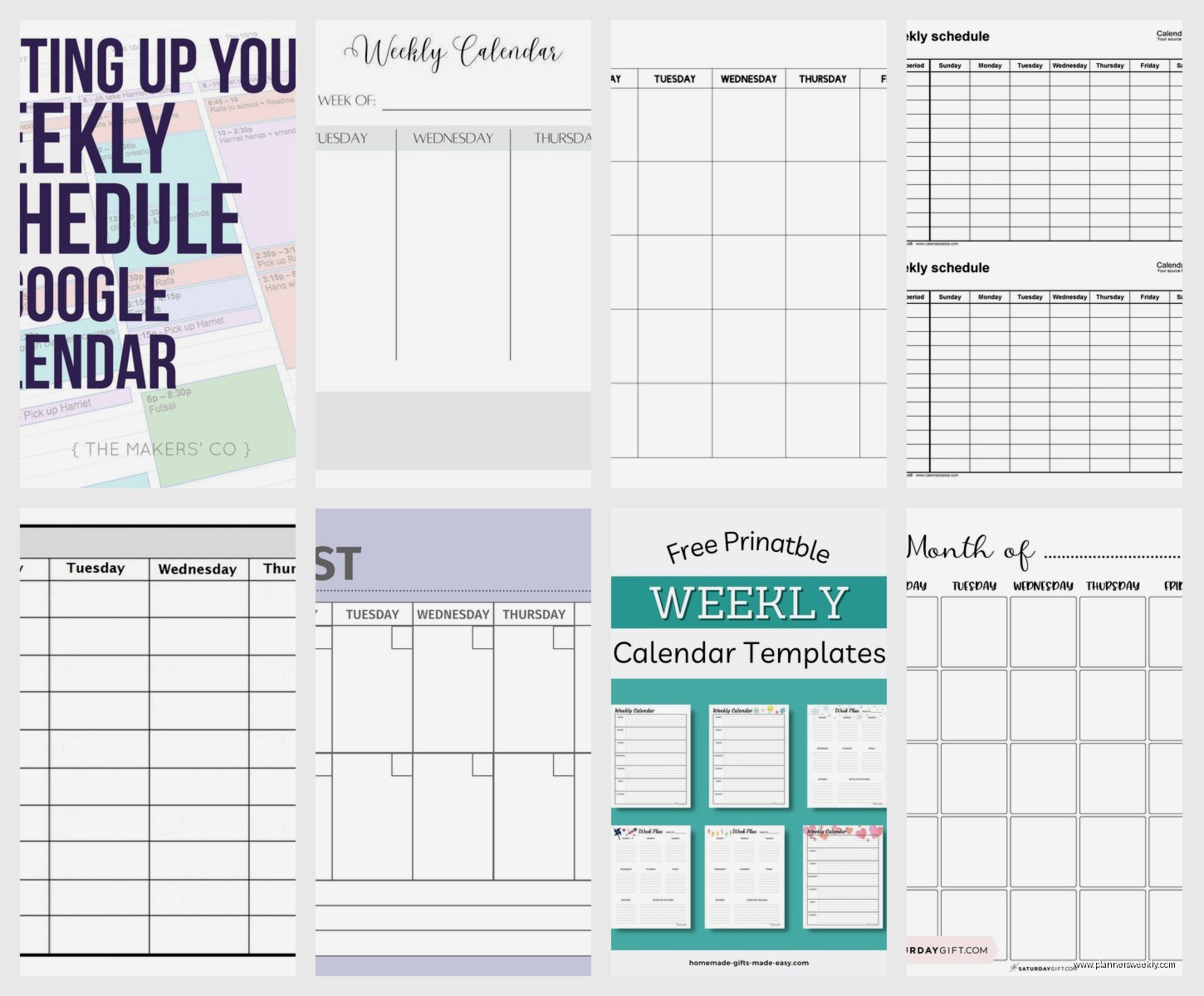
The customization is where Canva wins. You can change literally everything. Fonts, colors, add your own headers, insert little icons. I made one for my morning routine tracking and added tiny coffee cup graphics because why not. My cat knocked over my actual coffee while I was doing this which felt very on brand.
One weird thing though: the free version limits how many downloads you get per month if you’re using certain premium elements. I hit that limit last month and had to wait until the 1st to download more. So if you’re planning to make a bunch of different weekly calendars, maybe do them all in one session.
Best Canva templates I actually use
- The “Simple Weekly Planner” by Canva Creative Studio – it’s just a basic grid, Monday through Sunday, nothing fancy
- Any of the “Weekly Schedule” ones that have hourly time slots if you need that level of detail
- The undated ones are better than dated because you can reuse the same template forever
Vertex42’s Excel and Google Sheets templates
Okay so funny story, I found this site called Vertex42 because someone mentioned it in a productivity forum and I was skeptical because the website looks like it’s from 2008. But their calendar templates are actually solid.
They have weekly calendar templates for Excel and Google Sheets that are completely free. You download them, they open in whatever spreadsheet program you use, and they’re fully editable. The formulas are already built in so if you change the start date, the whole week updates automatically. Which is weirdly satisfying.
I’ve been using their “Weekly Schedule” template for client session planning. It has time slots down the left side and days across the top. Super straightforward. You can print it or keep it digital, share it with other people if you’re coordinating schedules, whatever.
The downside is it’s not pretty. It’s functional. If you need something that looks Instagram-worthy, this isn’t it. But if you just need a weekly calendar that works and you’re comfortable with spreadsheets, this is probably the fastest option.
Calendarpedia for quick printable weeks
This is gonna sound weird but I stumbled onto Calendarpedia when I was searching for “printable weekly calendar 2024” at like midnight because I couldn’t sleep. Their whole thing is just… calendars. Every format you can think of.
For weekly calendars specifically, they have templates in Word, Excel, and PDF. You pick your year, your week start day (Monday vs Sunday, which apparently people have strong opinions about), and whether you want it portrait or landscape. Then you just download it.
What I like: it’s fast. No account needed, no email signup, no weird upsells. You just grab the calendar and go. I’ve used their templates for quick weekly spreads when I need to map out a project timeline with a client.
What’s meh: the designs are basic. We’re talking black and white, minimal formatting. You can customize them once you download since they’re in editable formats, but out of the box they’re pretty plain. Which is fine for work stuff but maybe not if you’re making something you want to look nice.
Template.net’s weekly calendar maker
Oh and another thing – Template.net has this online editor thing where you can create weekly calendars directly in your browser. I tested it last week when my client canceled so I had an extra hour and needed to procrastinate on actual work.
You pick a template (they have free and paid options, filter by free), and then you edit it right there on the site. Add text, change colors, move things around. It’s kind of like a simpler version of Canva but specifically for documents and calendars.
The interface is a little clunky honestly. It kept lagging when I tried to change fonts. But once you get your calendar looking how you want it, you can download it as a PDF, Word doc, or even as an image file. That versatility is useful if you need different formats for different purposes.
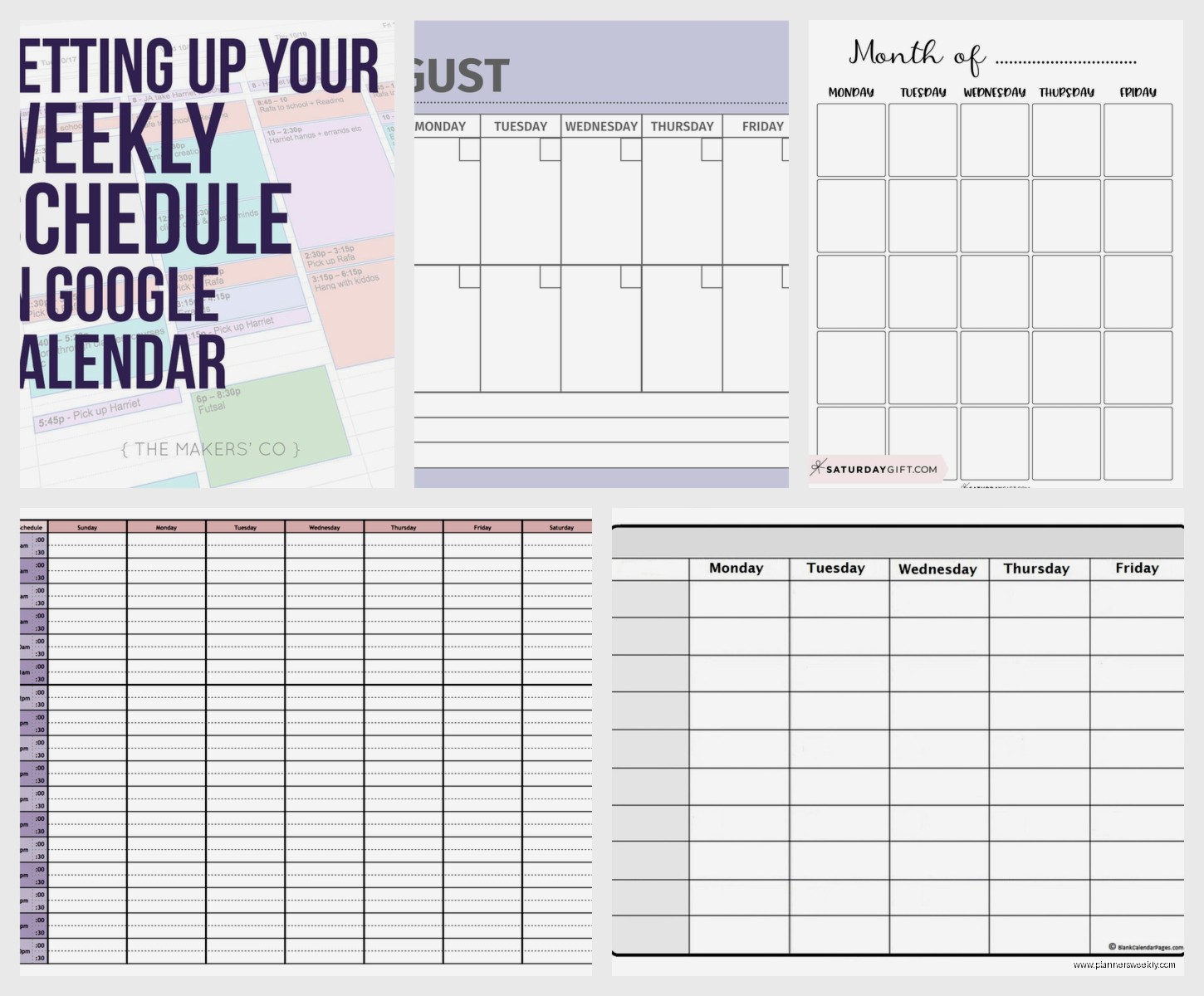
They also have templates for specific things like “weekly meal planner” or “weekly workout schedule” which are basically just weekly calendars with themed headers. Could be useful if you’re planning something specific and want it to look purposeful I guess.
Microsoft Word and Excel built-in templates
Wait, before I forget – if you already have Microsoft Office, you probably don’t need to go hunting around the internet. Word and Excel both have built-in weekly calendar templates that are completely free if you have the software.
In Word, go to File > New and search for “weekly calendar” or “weekly planner.” You’ll get a bunch of options from Microsoft’s template library. Same thing in Excel. Pick one, it downloads into your program, and you can start customizing.
I use the Excel ones more than Word because spreadsheets just make sense for calendars. The cells are already set up as a grid, formulas work automatically, and you can easily copy weeks if you need multiple pages. The Word ones are prettier though if aesthetics matter to you.
Pro tip I learned from a colleague: if you make a weekly calendar template you really like in Excel, save it as your own template file. Then you can reuse it forever without having to reformat every time. Saves so much time.
101Planners for actually cute weekly layouts
Okay this one I found through Pinterest which I know sounds ridiculous but hear me out. 101Planners has free printable weekly calendars that are actually designed well. Not just functional, but nice looking.
They have different styles – floral borders, geometric patterns, minimalist grids, ones with sections for goals and notes. All free to download as PDFs. You just click the one you want, it opens a PDF, you print or save it.
I printed a few of their “Weekly Planner with Time Slots” pages to test with a client who’s very visual and prefers paper planning. She actually kept using them, which is saying something because she usually abandons systems after like three days. The designs are nice enough that you don’t feel like you’re using some generic office template.
The selection is smaller than Canva but everything is actually free. No premium tier, no locked features. What you see is what you get. For someone who just wants to grab a pretty weekly calendar without making an account or learning new software, this works.
When to use which tool honestly
So after testing all of these, here’s what I’d actually recommend depending on what you need:
Use Google Calendar if you’re already in the Google ecosystem and you want something digital that syncs across devices. Don’t overthink it.
Use Canva if you want something customizable and pretty, and you don’t mind spending a few minutes designing. Best for personal planners or if you’re making something to share that should look professional.
Use Vertex42 or Microsoft templates if you live in spreadsheets anyway and just need something functional fast. Also good if you’re gonna be doing calculations or tracking data alongside your schedule.
Use Calendarpedia when you need a printable weekly calendar right now and don’t care about design. It’s the fastest option for basic layouts.
Use 101Planners if you want something pretty but don’t want to design it yourself. Good middle ground between totally basic and full custom design.
Things I wish I’d known before starting
Honestly the biggest thing is figuring out whether you want time slots or just daily boxes. I wasted time downloading templates with hourly breakdowns when what I really needed was just space to write tasks for each day. Think about your actual planning style before you pick a tool.
Also, portrait vs landscape matters more than you’d think. Portrait fits better in most planners and folders. Landscape gives you more space per day but is awkward to store. I prefer landscape for desk use and portrait for anything I’m carrying around.
Oh and if you’re printing these, pay attention to paper size. Some templates are designed for A4 (standard in most countries) vs US Letter (standard in America). If you download an A4 template and print on Letter paper, the margins get weird. Learned that the annoying way.
One more thing about printing – if you’re using a fancy designed template with colors and graphics, it’s gonna eat through your ink. I spent like $40 replacing ink cartridges before I realized I should just print the basic black and white versions for everyday use and save the pretty ones for special occasions or digital use.
The combo approach that actually works
What I’ve landed on personally is using Google Calendar for scheduling actual appointments and events because it sends reminders and syncs to my phone. But then I print a weekly layout from Canva every Sunday night for task planning and daily priorities. The physical act of writing things down helps me process better.
Some of my clients do something similar – digital for time-specific stuff, paper for flexible tasks and planning. You don’t have to pick just one tool. Mix and match based on what you’re actually tracking.
The weekly calendar from 101Planners sits on my desk as a quick reference and I use a Vertex42 spreadsheet for tracking client sessions across weeks. Different tools for different needs. That’s totally fine and probably more realistic than trying to force everything into one system.
